![sumup logo-modified.png]](https://support.thegoodtill.com/hs-fs/hubfs/sumup%20logo-modified.png?height=40&name=sumup%20logo-modified.png)
On the POS app, from the cog > Settings > General Settings, you can choose to change your tickets' font and size.
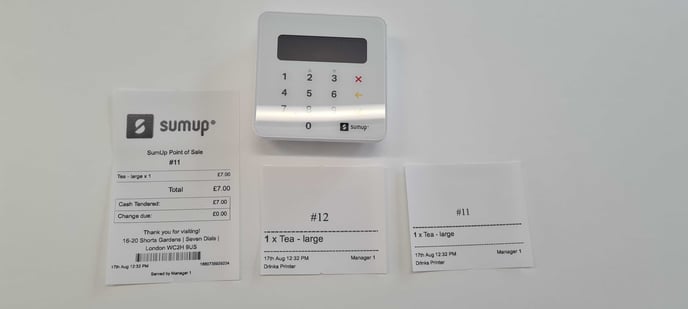
In the example below, the font is set to Arial. Ticket #12 shows the size as large, ticket #11 shows the size as medium. (SumUp air reader for scale).
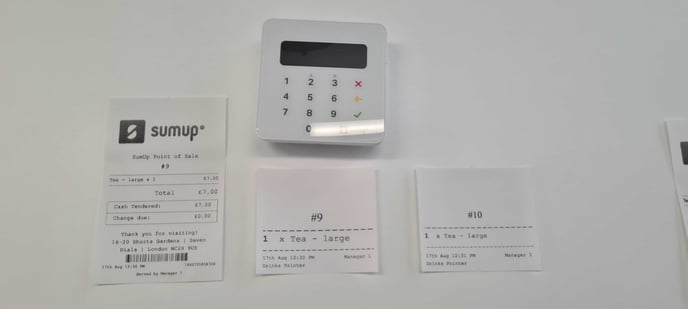
In the example below, the font is set to Courier. Ticket #9 shows the size as large, ticket #10 shows the size as medium. (SumUp air reader for scale).
For more information on how to change your receipt template, follow the link here.